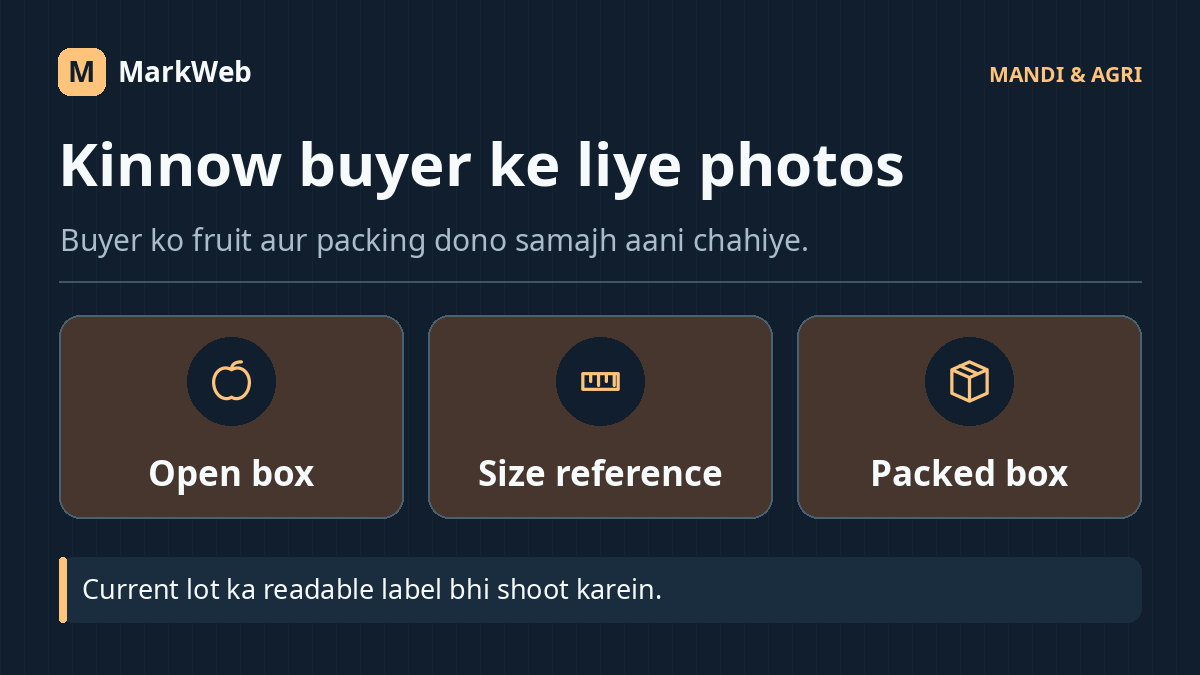
Wholesale buyer ko product photo se size, packing aur current lot samajhna chahiye. Ek phone, indirect daylight aur clean surface se ye chaar shots le sakte hain.
Buyer ke liye chaar useful shots
| Shot | Photo mein kya dikhayein |
|---|---|
| Open box | Current lot ka representative layer |
| Size reference | Representative fruit aur readable ruler ya gauge |
| Packing | Closed box aur packaging type |
| Label | Lot ID aur net weight; private details cover karein |
Kaise karein
- Indirect daylight mein lens clean karke photo lein. Heavy colour filters se bachein.
- Same lot ke shots ek saath lein aur lot ID record karein. Different lot ki photo ho to reference label karein.
- Image send karne se pehle phone par zoom karke size reference aur label check karein.
- Catalogue mein representative photos rakhein. Quote ke time current lot ke photos separately bhejein.
File name sample
K04-medium-net10kg-openbox.jpg · K04-medium-size-reference.jpg. Lot ID actual quote se match karein.
Agla step ke liye photos ko catalogue entry se pair karein.
Reference: WhatsApp Business ki catalogue sharing guidance.
Leave a Reply