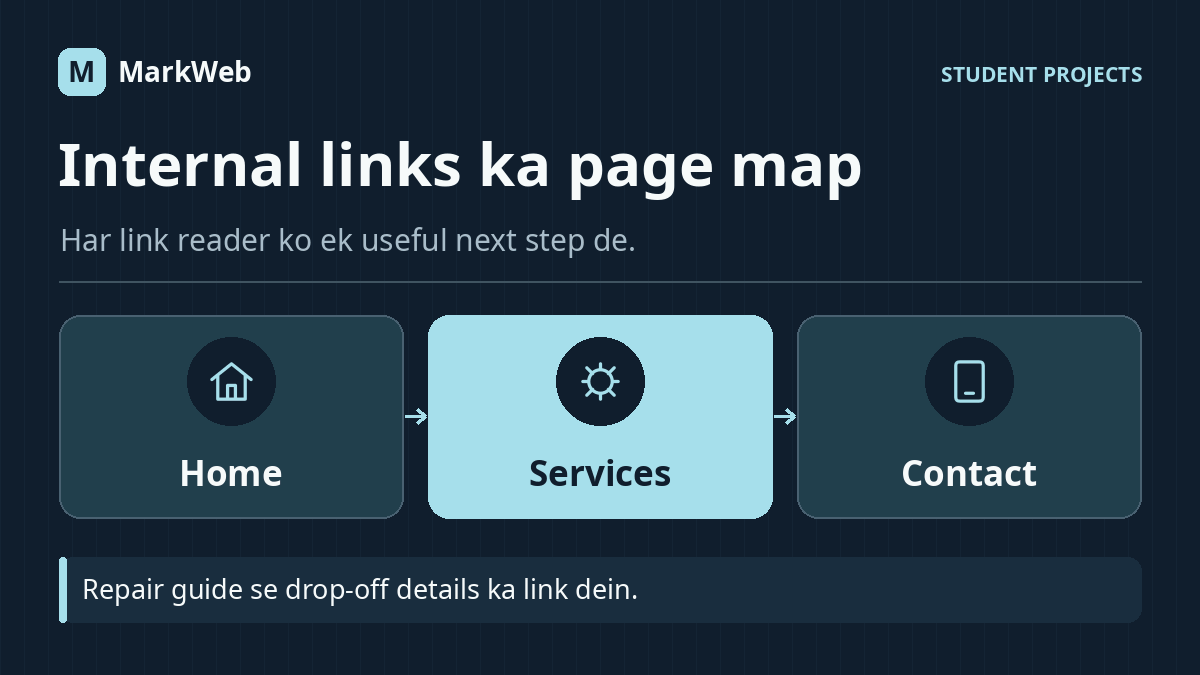
Internal link map ek simple worksheet hai jo dikhati hai ki reader kis page par hai, uska next sawaal kya hoga aur kaunsa link usse useful destination tak le jayega. Practice ke liye ek mobile repair shop ki five-page website imagine karein.
Five-page exercise
| Page | Reader ka next sawaal | Link aur anchor |
|---|---|---|
| Home | Kaunse repair karte hain? | Services → Mobile repair services |
| Services | Estimate kaise milega? | Contact → Repair estimate poochhein |
| Repair guide | Phone drop-off kab karun? | Contact → Shop hours aur drop-off details |
| About | Shop repair ke liye kya cover karti hai? | Services → Repairs we handle |
| Contact | Issue explain kaise karun? | Guide → Repair enquiry ke liye phone details |
Publish se pehle three checks
Har link ka label padhkar dekhein ki destination samajh aata hai. Mobile par link tap karke correct page verify karein. Important guide tak kam se kam ek relevant page se pahunchne ka raasta rakhein. Google ki internal link guidance descriptive anchors aur crawlable links ko explain karti hai.
Student deliverable mein kya rakhein?
Sheet mein source page, destination page, proposed anchor, reason aur test status rakhein. Har row mein reader ka next task clear hona chahiye.
Agar guide aur service page abhi choose kar rahe hain to search intent exercise pehle karein. Is worksheet ko family-shop portfolio project mein evidence ke taur par add karein.
Leave a Reply