MarkWeb

Category: Google Maps & WhatsApp for Local Shops

Practical Google Maps, Business Profile and WhatsApp guides for shop owners and local service businesses.

  • Google Maps Se Kitni Real Enquiries Aayi? 7-Day Tracking Sheet

    Google Maps Se Kitni Real Enquiries Aayi? 7-Day Tracking Sheet

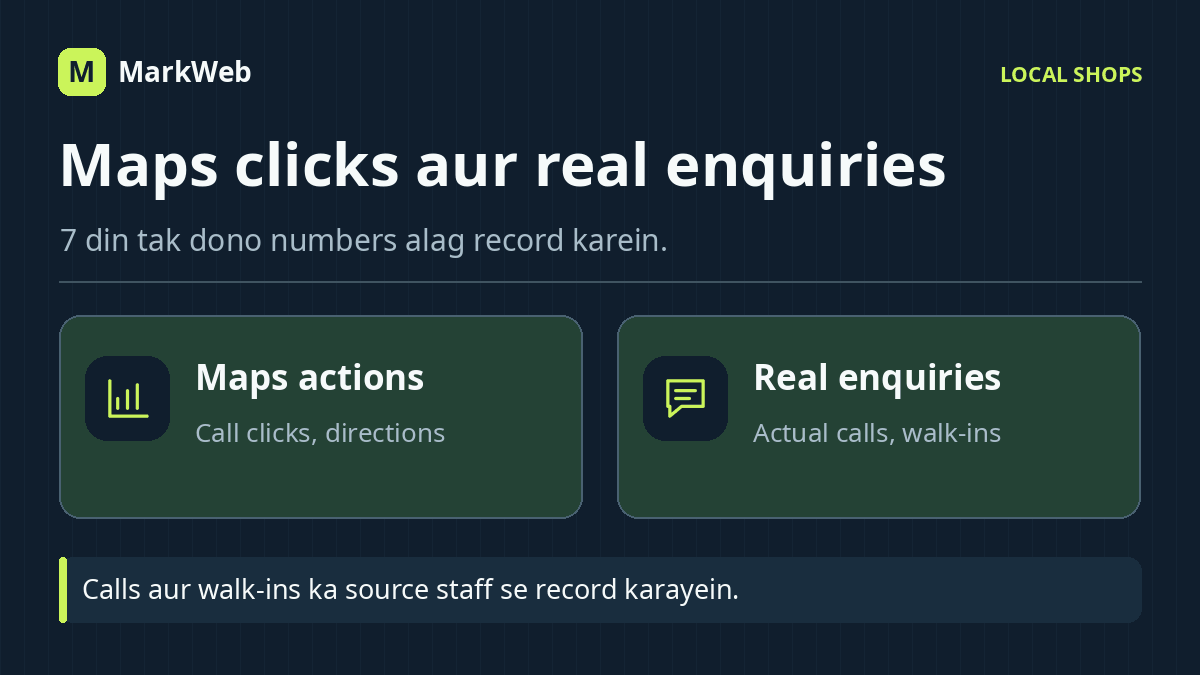
    Google Maps enquiry tracking ke liye do numbers alag likhein. Pehla hai Business Profile par logon ki activity. Doosra hai shop par aayi actual enquiries. In dono ko week ke end mein side by side dekhne se pata chalega ki kahan next check karna hai.

    NumberKya batata haiKahan record karein
    CallsProfile ke call button par clicksBusiness Profile Performance
    DirectionsBusiness ke liye direction requestsBusiness Profile Performance
    Confirmed Maps enquiriesCustomer ne Maps bataya aur product, timing ya service ke baare mein poochhaShop enquiry sheet
    BookingsEnquiry ke baad booking confirm huiShop enquiry sheet
    Metric ka sahi matlab.

    Google ki Performance metric definitions se check karein ki aapke profile mein kaunsi activity available hai.

    7 din ki sheet banayein

    Columns copy karein: Date | Enquiry ID | Phone/chat/walk-in | Customer ne source kya bataya? | Kya poochha? | Outcome. Example: 12 Nov | 007 | Phone | Google Maps | Same-day pickup | Booked. Ye sample entry hai.

    Staff ke liye ek sawaal

    “Aapko hamari shop ka pata kahan se chala?” Agar jawab sirf “Google” ho, poochhein “Maps se ya Google Search se?” Clear answer na mile to Unknown likhein.

    Week ke end mein data padhein

    Repeat calls aur chat ko ek enquiry mein group karein jab woh same customer request se related hon. Maan lijiye profile mein 16 call clicks aur sheet mein 6 confirmed Maps enquiries hain. Dono figures report karein. Inko divide karke conversion rate nikalna tabhi meaningful hai jab aap ek hi group ke clicks aur outcomes reliably match kar sakein.

    Directions requests achhi hain par customers entrance miss kar rahe hain?

    Do starting points se public route test karein. Wrong marker ho to Google Maps pin fix guide dekhein aur meanwhile landmark message ready rakhein.

    WhatsApp enquiries bhi aati hain to follow-up tracker ke columns use karke booked aur pending cases alag rakhein.
  • Google Maps Par Shop Ka Pin Galat Hai? Aise Fix Karein

    Google Maps Par Shop Ka Pin Galat Hai? Aise Fix Karein

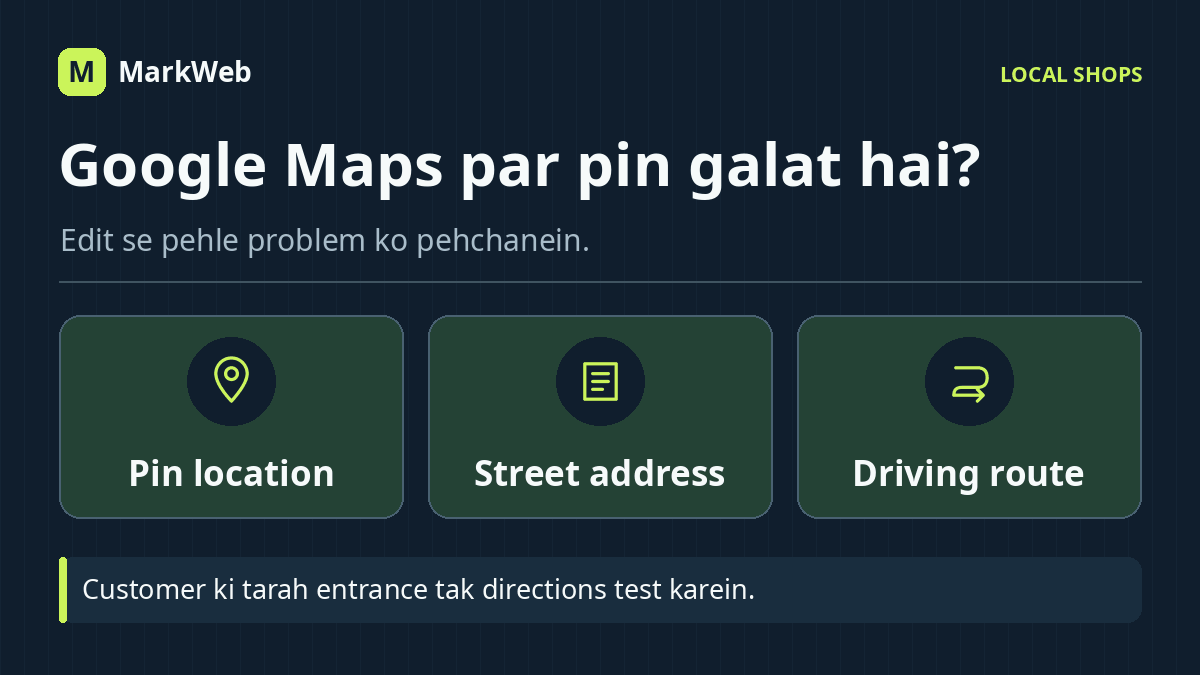
    Customer Google Maps follow karke aapki shop ki jagah pichhli gali mein pahunch raha hai? Pehle dekhein ki problem pin, address ya driving route mein hai. Google Maps pin fix ka sahi step isi par depend karta hai.

    Customer ko kya dikh raha hai?Pehla action
    Pin doosri building parBusiness Profile mein map marker adjust karein.
    House number ya street galatAsli address edit karein.
    Pin sahi, route back gate parPublic directions test karein aur temporary landmark message bhejein.
    Do listings mil rahi hainPehle identify karein ki kaunsi listing aap manage karte hain.
    Edit karne se pehle ye quick check karein.

    Owner account se pin update karein

    1. Apni listing kholein. Us Google account mein sign in karein jo Business Profile manage karta hai. Shop ka naam aur city search karein. Same naam ki doosri shop ho to phone number aur address verify karein.

    2. Address aur marker check karein. Edit profile → Location mein business location kholein. Address sahi ho aur Adjust dikhe to map zoom karke marker ko business ki actual location par rakhein. Address bhi galat ho to correct address enter karein. Public-facing location aur service area ke liye apne profile type ke hisaab se Google ki address guidance dekhein.

    3. Save karein aur status dekhein. Google profile edits review karta hai. Agar edit pending dikhe, submission ki date note karein aur public listing phir se check karein jab status badle.

    Customer ke phone se test karein

    Ek doosre phone par business name aur area search karein. Pin, shop name aur opening hours dekhein. Phir do directions requests test karein, ek main road se aur ek common pickup point se. Agar pin sahi hai aur routing issue baaki hai, customer ko actual approach road aur entrance bhejein.

    Copyable WhatsApp direction message

    Namaste! Ye hamari shop ka Maps link hai: [link]. [Landmark] se [gali/road] ki taraf aaiye. Customer entrance [side / floor] par hai. Agar Maps aapko back gate bheje to humein call kar dein.

    Owner controls nahi mil rahe?

    Pehle sahi Google account check karein. Listing kisi aur account mein manage ho rahi ho to ownership request ke official steps use karein.

    Agar pin sahi hai lekin Directions customer ko back gate par bhejti hain, shop entrance ka route test karein.

    Pin fix hone ke baad Maps se aayi real enquiries track karein.