MarkWeb

Category: Google Maps & WhatsApp for Local Shops

Practical Google Maps, Business Profile and WhatsApp guides for shop owners and local service businesses.

  • Purani Agency Ke Paas Google Business Profile Ka Access Hai? Ownership Kaise Le Vapas

    Purani Agency Ke Paas Google Business Profile Ka Access Hai? Ownership Kaise Le Vapas

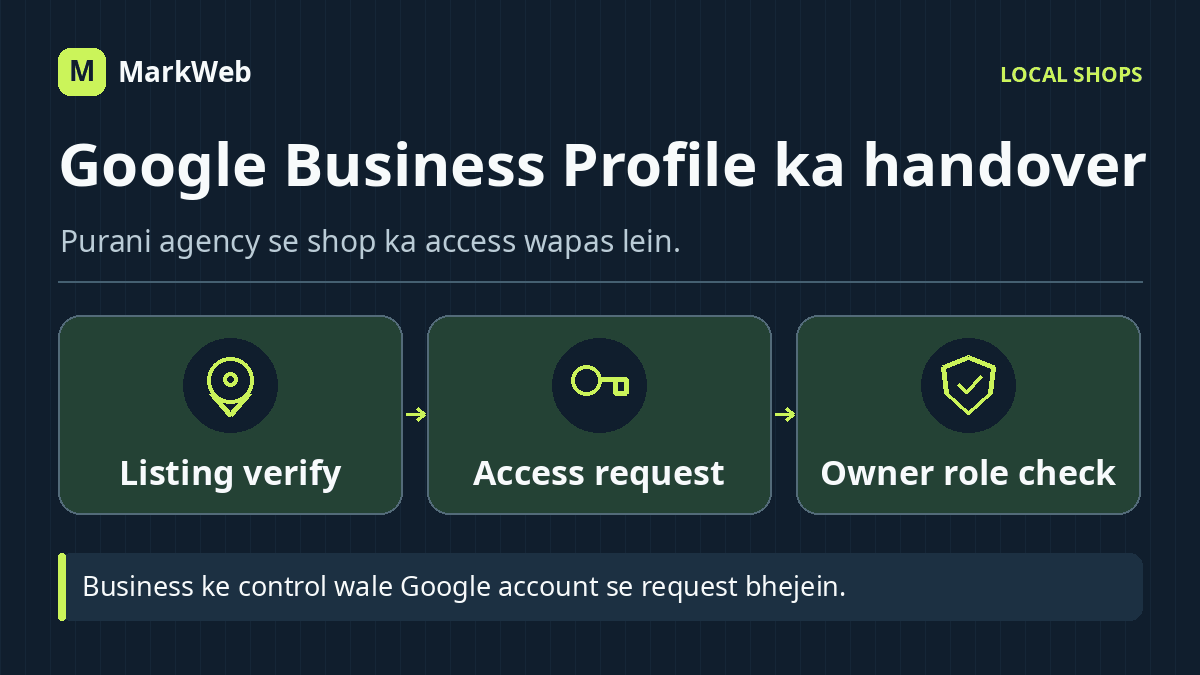
    Agency ka contract khatam ho gaya aur shop ki Google listing ab bhi uske account mein hai? Pehle correct profile identify karein. Agar agency cooperate kar rahi hai, woh aapke Google account ko invite kar sakti hai. Agar contact ya access available nahi hai, eligible owner existing listing par ownership request bhej sakta hai.

    Kaunsa route follow karein?

    SituationAgla step
    Agency jawab de rahi haiApne Google account ke liye owner invite maangein. Primary ownership ka handover alag confirm karein.
    Verified storefront kisi aur ke control mein haiGoogle ke ownership flow mein existing listing select karke Request Access use karein.
    Service-area business hai, public storefront nahiGoogle Help ke service-area ownership support route se request karein.

    Request aur handover checklist

    1. Listing verify karein. Public Maps link, correct branch, address aur listed phone match karein. Do results mil rahe hain to duplicate listing guide se decide karein ki kaunsi listing manage karni hai.

    2. Business-controlled account use karein. Storefront ya hybrid business ke liye Google ka ownership request flow follow karein. Current owner ke paas respond karne ke liye 3 din hote hain. Request deny ho to confirmation email ke next steps dekhein. No reply par claim ka option mil sakta hai, agar Google dikhaye.

    3. Access test karein. Apne account se correct profile kholein aur People and access mein role check karein. Google kuch owner actions par naye users ke liye 7-day wait lagata hai. Owner aur manager roles check karke agreed handover complete karein.

    Agency ko bhejne ke liye sample

    Copy karein. Namaste, [shop name + branch] ki listing [Maps link] ka handover chahiye. Please [business Google account] ko owner invite bhej dein aur primary ownership transfer ki date confirm karein. Invite accept karke hum listing access test karenge. Har person apna Google account use karega.
  • Google Maps Customer Ko Back Gate Par Bhejta Hai? Route Aise Check Karein

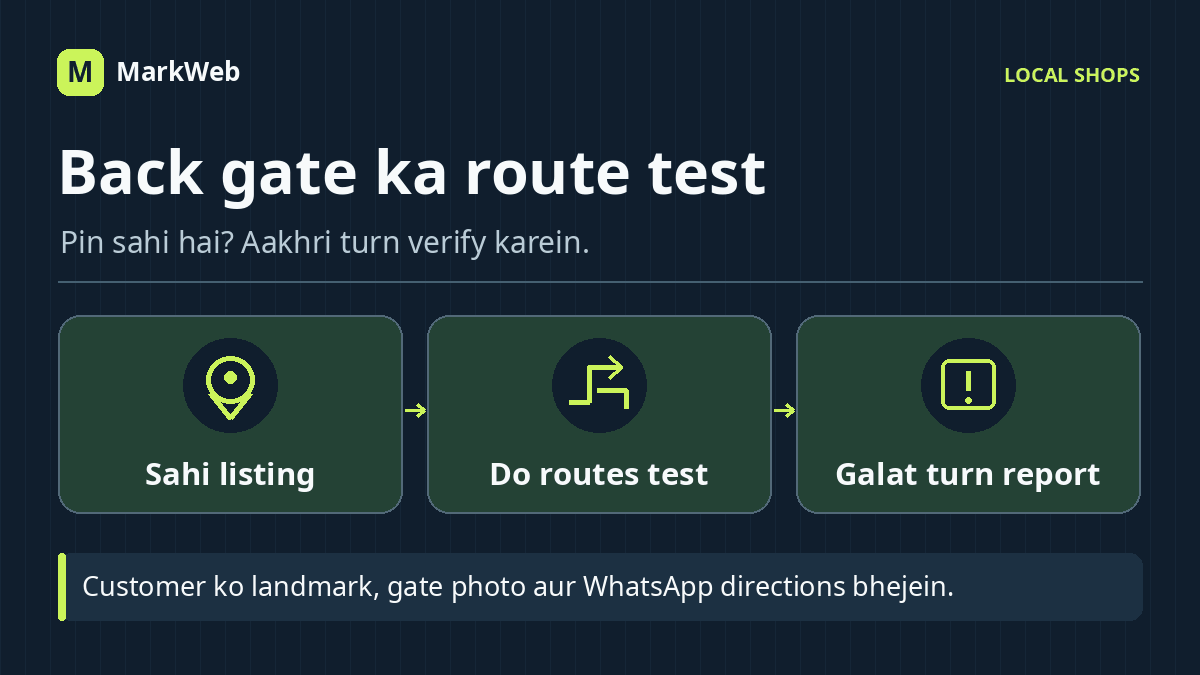
    Google Maps Customer Ko Back Gate Par Bhejta Hai? Route Aise Check Karein

    Agar Google Maps ka pin sahi building par hai lekin Directions customer ko staff gate ya pichhli gali mein bhejti hai, pehle route ka aakhri turn test karein. Isse pata chalega ki aapko listing, shared link ya route step mein se kya fix karna hai.

    10-minute entrance test

    1. Customer ke phone par shop ka naam aur city search karein. Branch, address aur map marker compare karein. Staff jo WhatsApp link bhejta hai use bhi kholkar dekhein.
    2. Correct listing se driving directions kholein. Do common starting points chunen, jaise market ka main road aur parking side. Preview mein last turn aur route ka endpoint dekhein.
    3. Har test mein start point, travel mode, date, wrong step aur actual customer gate note karein. Screenshot mein private details crop karein.

    Result ke hisaab se action

    Test mein kya dikha?Agla action
    WhatsApp link purani branch kholta haiSaved reply aur QR mein correct listing ka link replace karein.
    Map marker doosri building par haiBusiness Profile pin check karein.
    Pin sahi hai, last turn back gate ki taraf haiGalat route step note karein. Jahan option available ho, Maps par report karein.

    Wrong route step kaise report karein

    Computer par wahi start point aur destination daalein, affected route ki details kholein aur feedback option se galat step flag karein. Google ke mutabik reporting kuch countries ya regions mein available hai aur transit directions is flow mein covered nahi hain. Submit karne ke baad wahi route dobara test karne ke liye apne notes rakh lein. Google Maps Help mein route reporting steps.

    Copyable WhatsApp reply

    Namaste! Customer entrance [main road] par [landmark] ke paas hai. Agar Maps [back lane] dikhaye, [landmark] tak aaiye aur [left/right] par hamara [signboard] dekhiye. Location: [tested link]. Entrance photo attached hai.

    Reply ko ek aise person se test karayein jo shop par pehli baar aa raha ho. Agar shop first floor par hai, entry point se stairs ya lift tak ki photo bhi bhejein. Storefront photo checklist dekhein.

  • Google Business Profile Ke Liye Shop Ki Photos Kaise Lein

    Google Business Profile Ke Liye Shop Ki Photos Kaise Lein

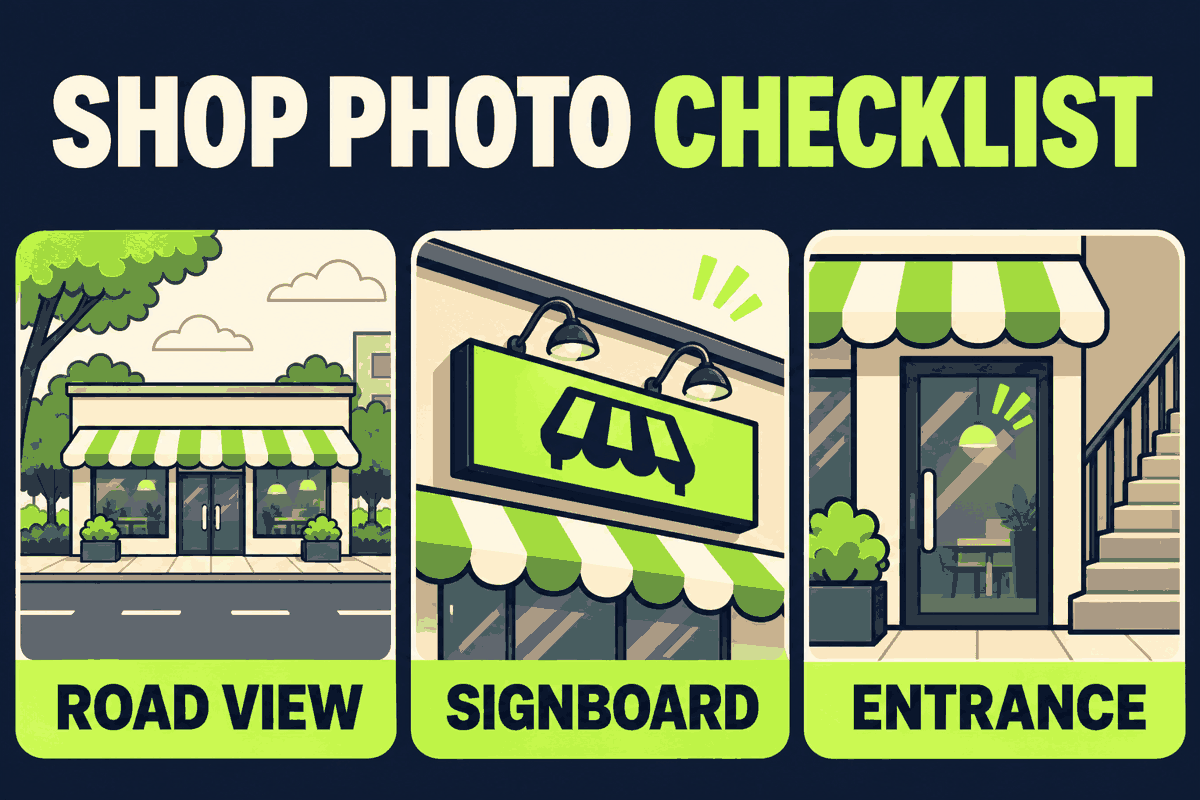
    Google Maps pin sahi hai, phir bhi customer first-floor shop dhoondhne ke liye call karta hai? Google Business Profile ki storefront photos mein road, shop ka naam aur actual entrance dikhayein. Phone se teen ya chaar clear shots is kaam ke liye kaafi ho sakte hain.

    Photo checklist: road se shop tak

    ShotKya dikhayeinPhoto ka test
    Road se wide shotMain approach se shop aur aas-paas ka contextCustomer same view dekhkar shop pehchan sake.
    Signboard aur entranceReadable shop name aur actual customer doorSide shutter ya staff gate se confusion na ho.
    Stairs ya lift ka entranceFirst-floor shop ke liye ground-floor access pointCustomer ko building ke andar jaane ka raasta dikhe.
    Parking approach, agar useful hoActual entry aur clear landmarkParking access ki position samajh aaye.

    Phone se photos lein aur publish karein

    1. Customer ki approach follow karein. Jis road ya lane se zyada customers aate hain, wahan se start karein. Wide shot mein shop ko frame ke beech ke paas rakhein, phir entrance ka alag close shot lein. Agar shop basement ya first floor par hai, staircase ya lift tak ka ek shot bhi lein.

    2. Har image ko phone par zoom karke dekhein. Signboard readable ho aur doorway shadow mein na chhup jaye. Customer faces, vehicle plates ya counter par rakhe documents frame se bahar rakhein. Natural light aur real colours use karein.

    3. Correct branch ki profile kholein. Business Profile mein Photos section se image add karein. Google ki photo upload guidance ke mutabik JPG ya PNG use karein aur 720 × 720 px recommended hai. Agar photo pending hai, profile mein uska status dekhein. Public listing par photos dikhne ke liye Business Profile verification chahiye.

    Doosre phone se customer test karein

    Shop ka naam aur locality search karein. Photos dekhkar kisi aise person ko entrance point karne dein jo pehle shop par nahi aaya. Agar woh wrong gate choose kare, ek clearer approach photo add karein aur WhatsApp reply mein actual landmark likhein. Cover photo set karne ke baad bhi Google ka first displayed image alag ho sakta hai, isliye har entrance photo ko apne aap mein clear rakhein.

    First-floor shop ke liye WhatsApp message ka sample

    “Namaste! [Building name] ke ground floor par [landmark] ke paas stairs hain. First floor par [shop name] ka board dikhega. Ye location link hai: [link].” Brackets mein actual details daal kar message test karein.

    Agar marker hi doosri building par hai, Google Maps pin correction guide follow karein. Shop recently move hui hai to address update checklist mein website, WhatsApp aur purane QR links bhi check karein.

  • Google Review QR Code Shop Ke Bill Par Kaise Lagayein

    Google Review QR Code Shop Ke Bill Par Kaise Lagayein

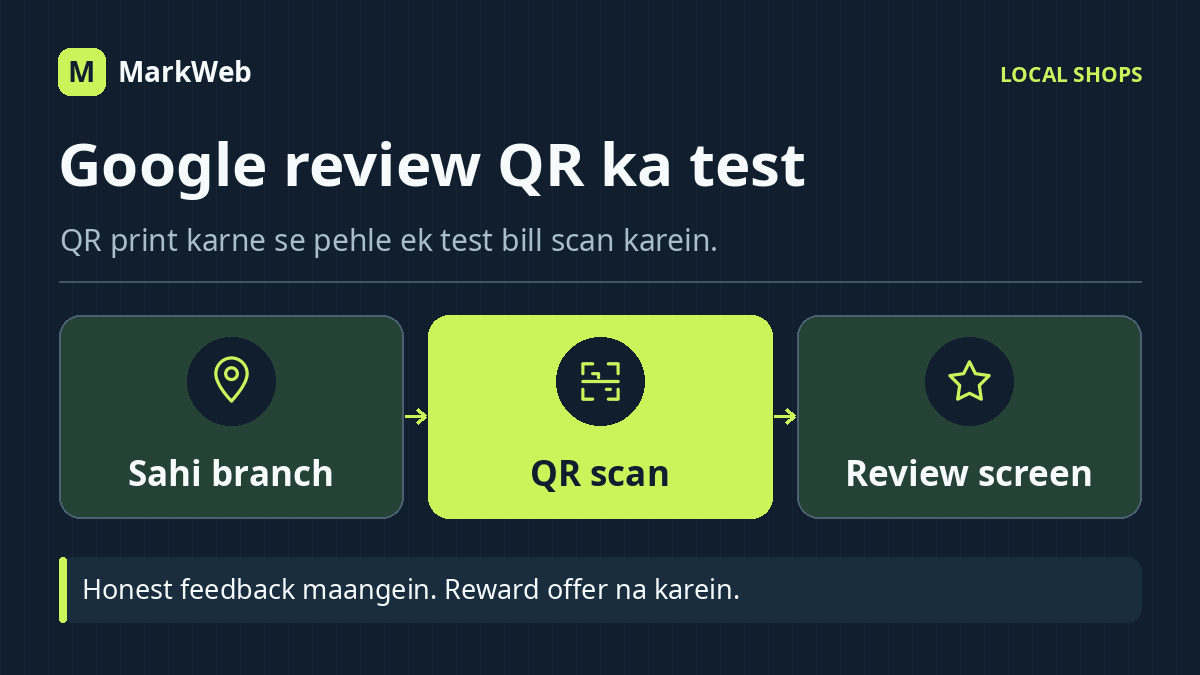
    Bill par Google review QR code lagane se customer ko aapki shop dobara search nahi karni padti. Print se pehle QR ko doosre phone par scan karein aur confirm karein ki correct branch ka review screen khul raha hai.

    Profile se review link aur QR nikalein

    Owner account se Business Profile kholein. Reviews wale section mein Get more reviews ya review link share karne ka option dekhein. Google ke review link aur QR instructions follow karke correct location ka code save karein. Multi-branch business mein har branch ka apna code rakhein.

    TestPass kab hai
    Blank paper par sample printQR clear hai aur aas-paas blank space hai.
    Customer ke phone se scanSahi business name aur branch dikhte hain.
    Bill ya counter par final checkNormal light mein scan hota hai. Text code se cover nahi hota.

    Staff ke liye neutral wording

    Bill par: “Aapka experience kaisa raha? Google par apna honest feedback share karein.” Staff ko same invitation use karne dein, chahe customer ka experience positive ho ya mixed. Review ke badle discount ya gift offer na karein.

    Scan se purani ya wrong branch khul rahi hai?

    Us QR ko use karna band karein. Owner account mein intended branch select karke code dobara nikalein. Do similar profiles milen to duplicate listing guide se pehle dono profiles identify karein.

    QR rollout ke baad enquiry numbers samajhne ke liye Google Maps ka 7-day tracker bhi dekh sakte hain.

  • Google Business Profile Video Verification Se Pehle Kya Ready Rakhein

    Google Business Profile Video Verification Se Pehle Kya Ready Rakhein

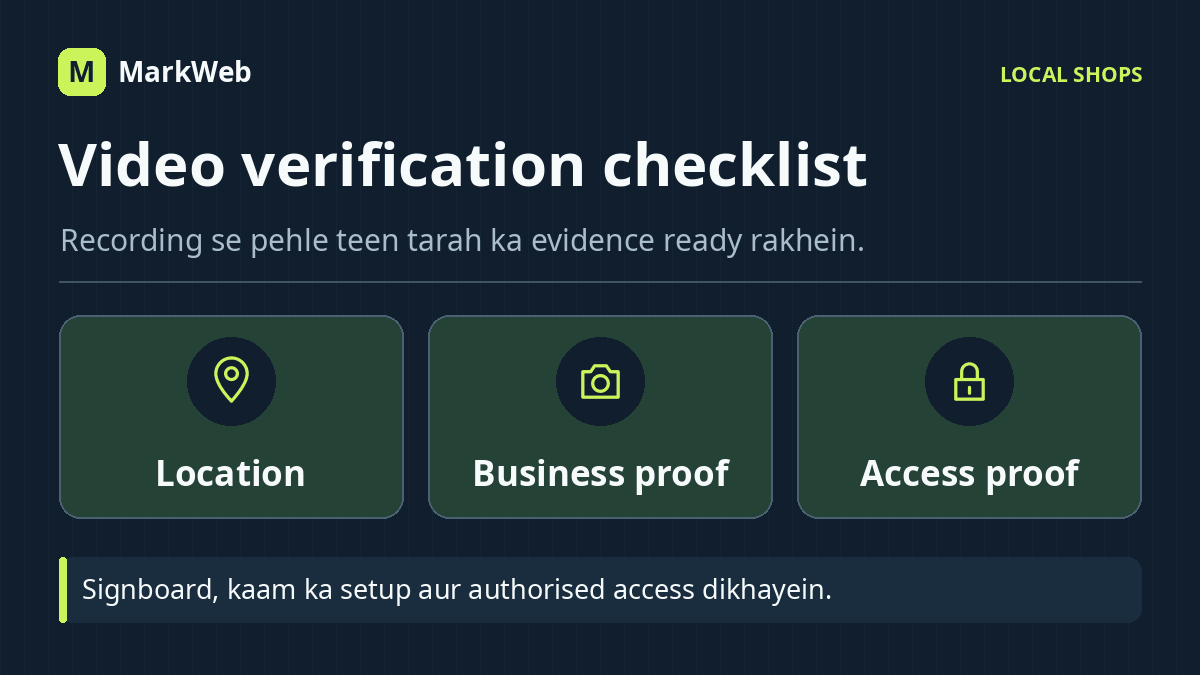
    Google Business Profile video verification option dikh raha hai? Record button dabane se pehle aisa short route plan karein jo ek hi recording mein location, business activity aur aapka management access dikhaye.

    Apne business type ke hisaab se evidence chunen

    EvidenceStorefront exampleService-area example
    LocationStreet sign se shop entrance takLocal street sign ya nearby landmark
    Business activityPermanent signboard aur shop setupBranded service vehicle ya actual work tools
    Management accessStaff-only area ya counter ka accessWork vehicle unlock karna ya appropriate business evidence

    Ye examples hain. Aapke profile ke liye current instructions mein jo evidence maanga jaye wahi dikhayein. Account numbers, customer faces, private messages aur passwords recording se bahar rakhein.

    Record aur submit karne ka order

    Profile details aur real signage compare karein. Phone charged rakhein aur route rehearse karein. Google ki video verification guidance ke mutabik Business Profile se recording karein aur ek continuous video mein evidence capture karein. Upload ke baad status profile mein check karein.

    Video reject ho gayi?

    Profile mein diya feedback padhein aur missing evidence identify karein. Next recording mein previous required evidence ke saath missing part bhi clearly dikhayein.

    Agar shop relocate hui hai to address aur public directions checklist pehle complete karein.

  • Shop Shift Ho Gayi? Online Address Update Ki Checklist

    Shop Shift Ho Gayi? Online Address Update Ki Checklist

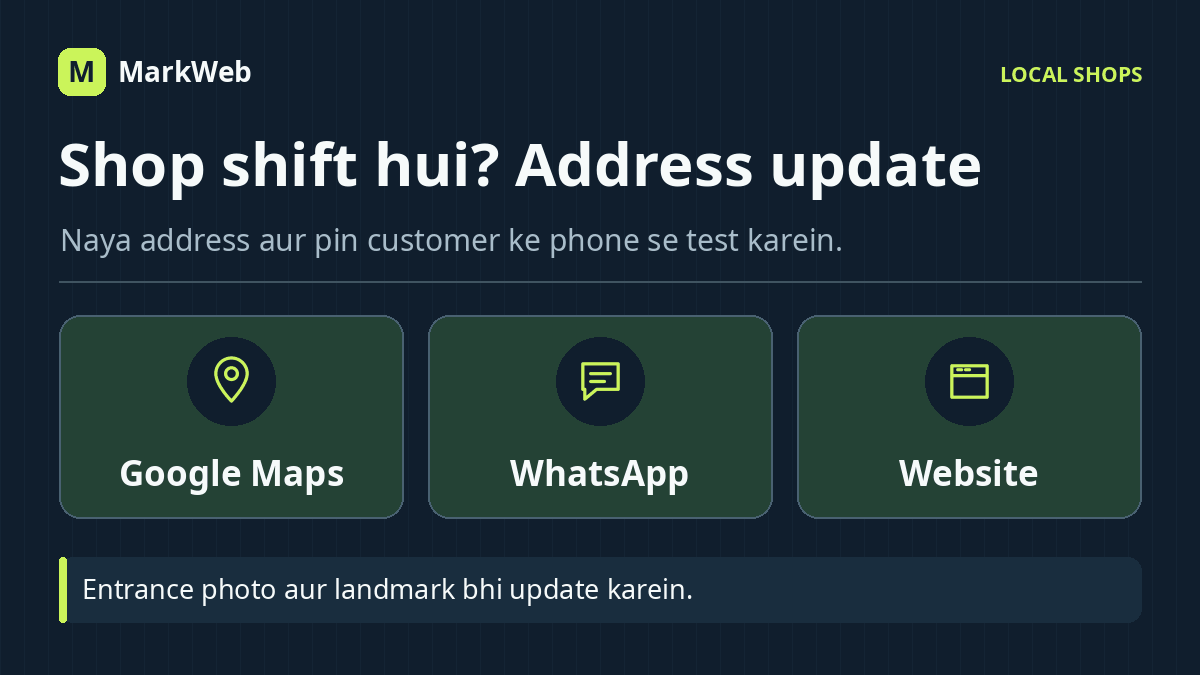
    Dukaan shift hone ke baad customer sabse pehle purana address dekh sakta hai. Ek master address banayein, phir un pages aur messages ko update karein jahan se log direction lete hain.

    Update ka order

    KahanKya check karein
    Google Business ProfileActual address aur map pin
    WebsiteContact page, footer aur embedded map
    WhatsApp BusinessProfile address, saved replies aur catalogue pickup notes
    Printed materialOld QR destination aur location message

    Kaise karein

    1. New address, shop number, floor aur confirmed opening date ek jagah note karein.
    2. Existing Business Profile ka address update karein. Google verification maange to profile ki instructions follow karein.
    3. Website aur WhatsApp update karein. Purana printed QR scan karke dekhein ki link ab bhi correct destination kholta hai.
    4. Public Maps directions ko do approaches se check karein. Regular customers ko enquiry reply mein new landmark batayein.
    Sample relocation message

    Hum [date] se [new address] par hain. Naya Maps link [link]. Entrance [landmark] ki taraf hai. Regular timing [hours].

    Agla step ke liye naye location pin ko customer ke phone se test karein.

    Reference: Google ki business address guidance.

  • Google Maps Par Festival Aur Sunday Timings Kaise Update Karein

    Google Maps Par Festival Aur Sunday Timings Kaise Update Karein

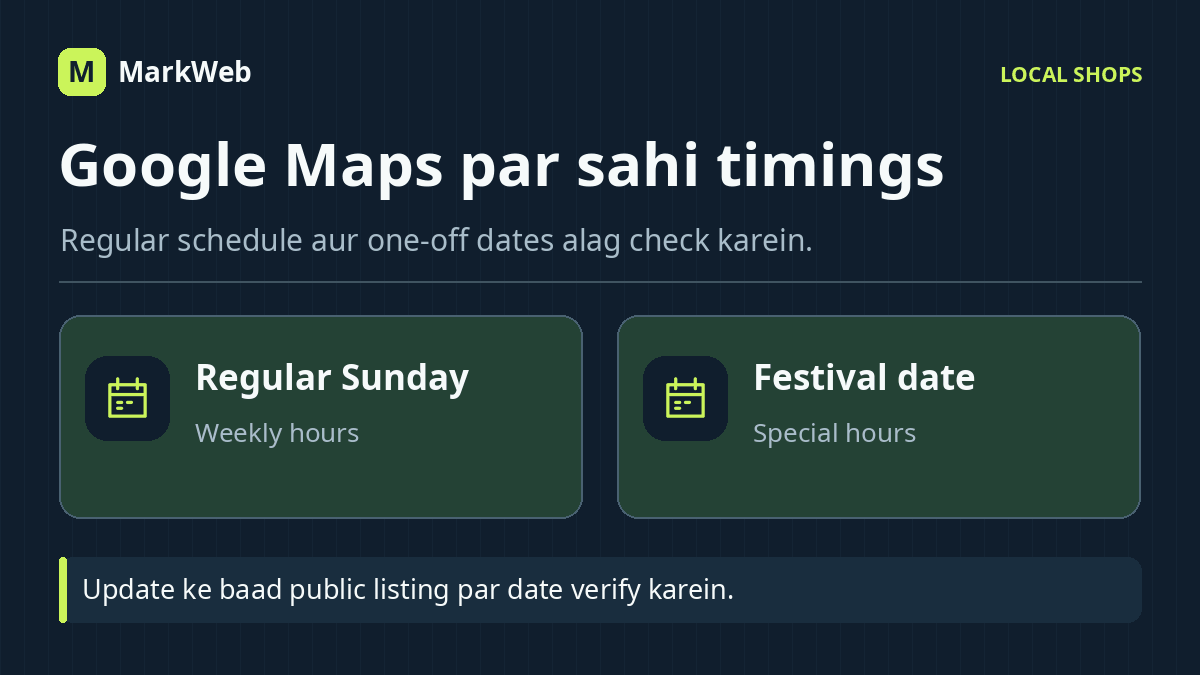
    Festival par aap 11 baje kholte hain, lekin Google Maps 9 baje dikha raha hai? Permanent weekly schedule ke liye regular hours edit karein. Sirf ek date ka change ho to special hours use karein.

    Kaunsi timing kahan daalein

    SituationFieldSample
    Har Sunday jaldi closeRegular hoursSunday 10 am–2 pm
    Festival ke din bandSpecial hoursUs date par Closed
    Roz lunch breakRegular hours10 am–2 pm aur 3 pm–7 pm

    Kaise karein

    1. Owner account se Business Profile kholein. Edit profile → Hours mein weekly schedule check karein.
    2. Daily lunch break ke liye applicable day par do opening intervals add karein. Dono periods ke beech actual gap rakhein.
    3. Festival ke liye Special hours edit karein. Date aur opening interval ya closure verify karke save karein.
    4. Public listing mein date aur timings dekhein. WhatsApp greeting, door sign aur website par bhi same message rakhein.
    Sample closure reply

    Namaste! [Date] ko shop [time] se [time] tak open rahegi. [Next date] se regular timings wapas rahengi.

    Agla step ke liye public Maps listing par location bhi check karein.

    Reference: Google ki business hours guide aur special hours help.

  • Google Maps Par Ek Shop Ki Do Listings Hain? Ye Check Karein

    Google Maps Par Ek Shop Ki Do Listings Hain? Ye Check Karein

    Same shop ke do Google Maps results mil rahe hain? Dono links copy karein. Phir naam, phone, address aur photos compare karke decide karein ki ye duplicate, purana address ya separate branch hai.

    Har situation ka next step

    SituationKya karein
    Dono same shop aur same locationCorrect listing ka access check karein aur Google ki duplicate resolution process follow karein.
    Shop relocate hui thiExisting profile ka address history check karein aur Google ke instructions follow karein.
    Do staffed branches hainDono branches ki eligibility aur actual details verify karein.
    Main profile kisi aur account mein haiOwner se access request karein.

    Kaise karein

    1. Dono profile URLs aur current storefront details save karein. Phone, address ya reviews se identity cross-check karein.
    2. Jis profile ko manage karte hain, owner account mein kholkar status dekhein. Google ke official duplicate guide mein apni situation select karein.
    3. Agar do profiles same business ki hain, Google ke merge/report instructions follow karein. Review count ya photos retain honge, iska promise customers ko na dein.
    4. Resolution ke baad shop ka naam aur city search karke public listing test karein.
    Support note ka sample

    Dono links [A] aur [B] same shop ko show karte hain. Actual storefront address [address] hai. Main [A/B] manage karta hoon. Please duplicate status check karein.

    Agla step ke liye correct listing ka pin verify karein.

    Reference: Google ki duplicate aur ownership guide.

    Agar correct listing kisi purani agency ya staff ke control mein hai, Google Business Profile ownership wapas lene ki checklist dekhein.

  • Mobile Repair Shop Ke WhatsApp Quick Replies Kaise Banayein

    Mobile Repair Shop Ke WhatsApp Quick Replies Kaise Banayein

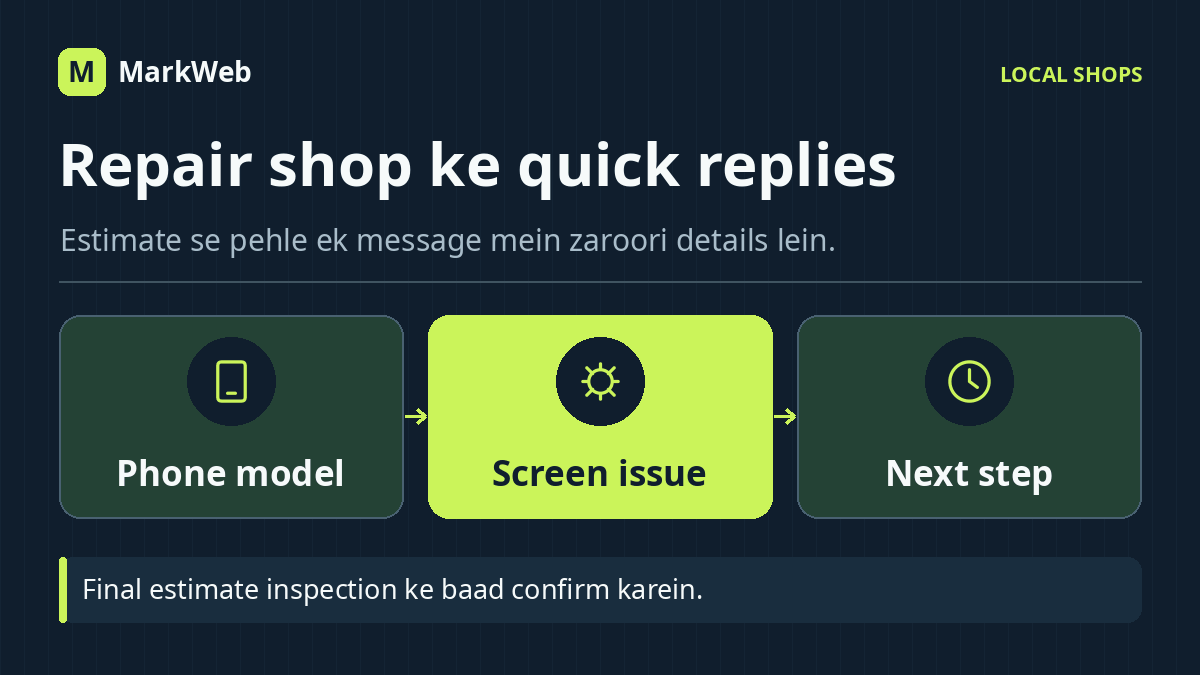
    Customer “screen kitne ki hai?” likhe to pehla reply model aur issue clarify kare. WhatsApp quick replies staff ko roz ke common messages ek consistent format mein bhejne dete hain.

    Chaar replies save karein

    Shortcut ideaCopyable message
    /modelBrand aur exact model bata dijiye. Screen par line, crack ya touch issue hai?
    /estimateFinal estimate device check ke baad confirm hoga. Koi repair start karne se pehle hum approval lenge.
    /visitShop location [link]. Drop-off timing [time]. Aane se pehle slot confirm kar dijiye.
    /readyRepair reference [ID] pickup ke liye ready hai. Aap [time] ke beech aa sakte hain.

    Kaise karein

    1. WhatsApp Business app ke business tools mein Quick Replies kholein. Ek message aur identifiable shortcut save karein.
    2. Customer ka message padhkar relevant reply select karein. Brackets replace karein aur send se pehle quote aur timing check karein.
    3. Device inspection pending ho to clearly likhein ki estimate kis detail par depend karta hai.
    4. Ek week baad staff se poochhein ki kaunsa repeat sawaal ab bhi manually likhna padta hai. Uske liye naya reply banayein.
    Ek reply ka test

    Doosre phone se “battery change karwani hai” bhejein. Staff ka reply model, issue aur next step clear karta hai? Agar haan, customer ko turant direction mil gayi.

    Agla step mein pending replies aur handovers ka tracker use karein.

    Reference: WhatsApp Business ke quick replies aur messaging features.

  • Coaching Centre Ki WhatsApp Enquiries Bina Paid CRM Track Karein

    Coaching Centre Ki WhatsApp Enquiries Bina Paid CRM Track Karein

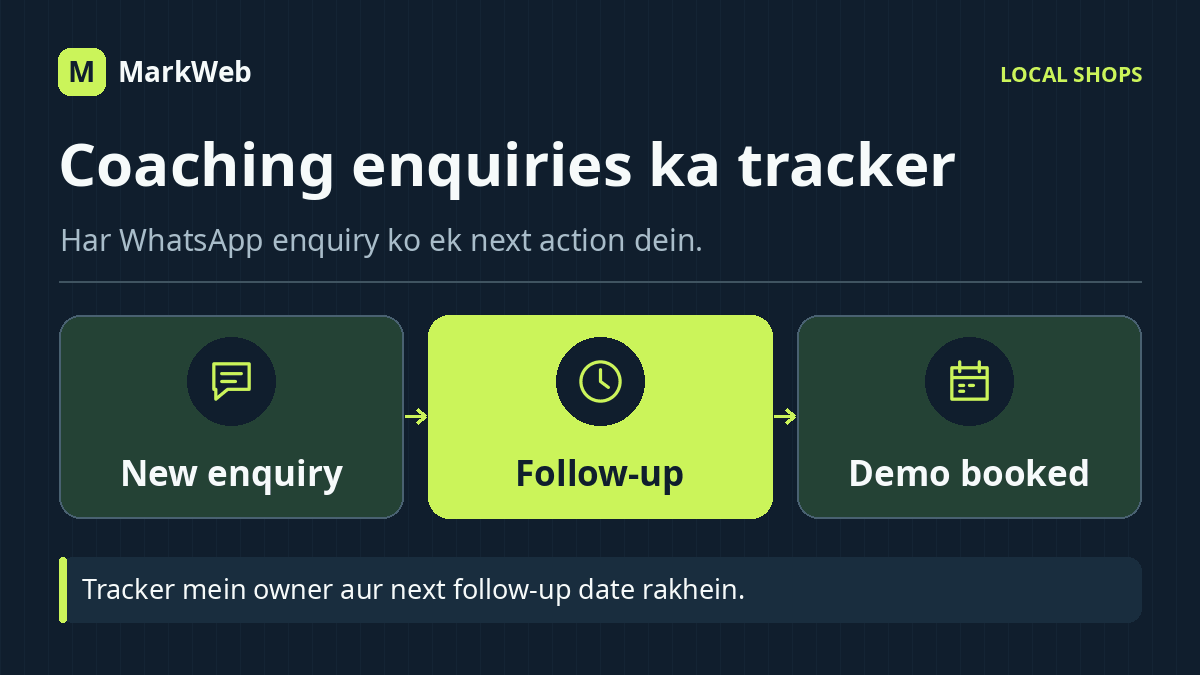
    Coaching centre ki WhatsApp enquiries miss ho rahi hain? Ek shared sheet mein one enquiry, one row ka system rakhein. WhatsApp par chat padhein aur sheet mein sirf agla action, uski date aur responsible staff member record karein.

    Ref / dateCourse / sourceStatusNext step / owner
    E-014 · 12 NovExcel basics · posterFee details sent13 Nov · demo slot confirm · front desk
    E-015 · 12 NovDigital marketing · referralDemo booked14 Nov · demo · trainer
    E-016 · 12 NovSEO basics · websiteWaiting for reply15 Nov · one follow-up · front desk
    Copyable tracker. Neeche ke records fictional hain.

    Daily routine jo team follow kar sake

    New enquiry: Date, course aur source record karein. Source clear na ho to Unknown likhein. Reply sent: Agla action aur owner set karein. End of day: Due follow-ups dekhein aur booked demo trainer ko hand over karein. Repeat messages ko existing reference mein update karein.

    WhatsApp Business app mein available business tools use karke replies consistent rakhein. Chat mein simple labels aur sheet mein action date useful hain. Status options chaar se paanch rakhein, jaise New, Reply sent, Demo booked, Enrolled aur Closed.

    Copyable first reply

    Namaste! Aap [course] ke baare mein pooch rahe hain. Please apna preferred batch timing aur current skill level bata dein. Main syllabus, current fees aur available demo slot share kar dunga.

    Friday review

    Unique enquiries, booked demos aur enrolled students alag count karein. Agar 12 unique enquiries se 4 demos book hue, demo booking rate 4 ÷ 12, ya lagbhag 33% hai. Un students ko enrolled tab count karein jab enrolment confirm ho. Sheet access sirf enquiry handle karne wali team ko dein aur unnecessary personal details copy karne se bachein.

    Do log ek hi enquiry ka follow-up kar rahe hain?

    Har open row mein ek owner rakhein. Shift change par next action aur owner update karein. Reply se pehle chat history dekhein.

    Agar Google Maps bhi enquiries la raha hai, Maps aur customer-reported enquiries ka difference samjhein.