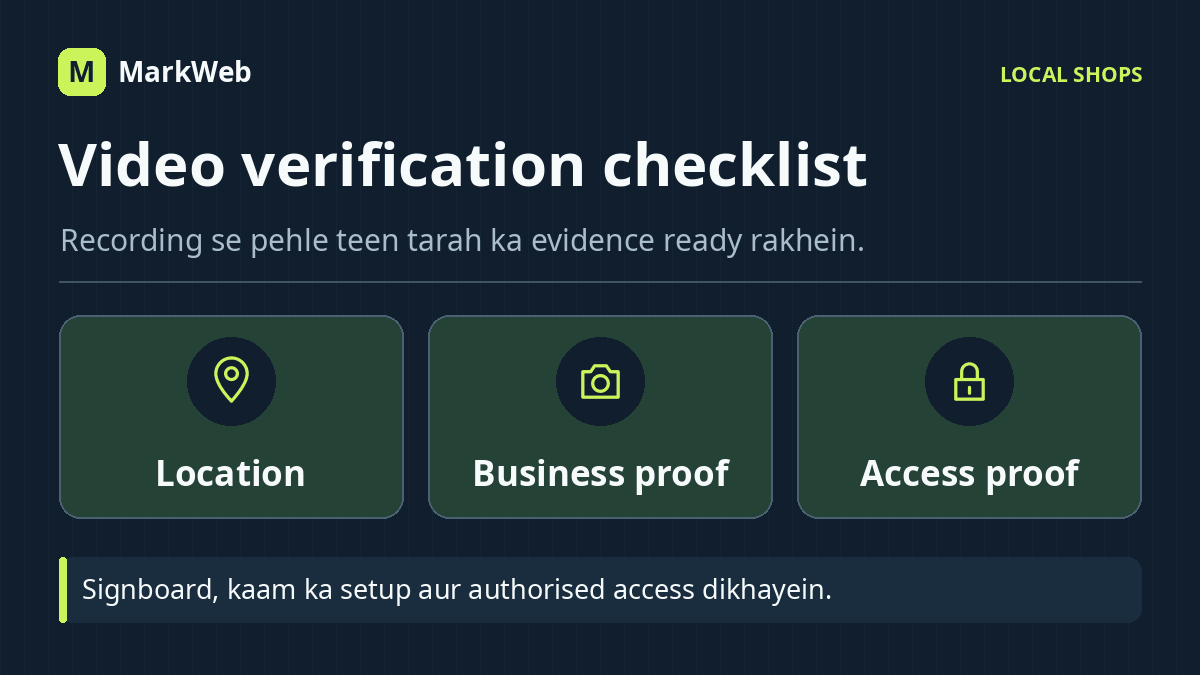
Google Business Profile video verification option dikh raha hai? Record button dabane se pehle aisa short route plan karein jo ek hi recording mein location, business activity aur aapka management access dikhaye.
Apne business type ke hisaab se evidence chunen
| Evidence | Storefront example | Service-area example |
|---|---|---|
| Location | Street sign se shop entrance tak | Local street sign ya nearby landmark |
| Business activity | Permanent signboard aur shop setup | Branded service vehicle ya actual work tools |
| Management access | Staff-only area ya counter ka access | Work vehicle unlock karna ya appropriate business evidence |
Ye examples hain. Aapke profile ke liye current instructions mein jo evidence maanga jaye wahi dikhayein. Account numbers, customer faces, private messages aur passwords recording se bahar rakhein.
Record aur submit karne ka order
Profile details aur real signage compare karein. Phone charged rakhein aur route rehearse karein. Google ki video verification guidance ke mutabik Business Profile se recording karein aur ek continuous video mein evidence capture karein. Upload ke baad status profile mein check karein.
Video reject ho gayi?
Profile mein diya feedback padhein aur missing evidence identify karein. Next recording mein previous required evidence ke saath missing part bhi clearly dikhayein.
Agar shop relocate hui hai to address aur public directions checklist pehle complete karein.
Leave a Reply