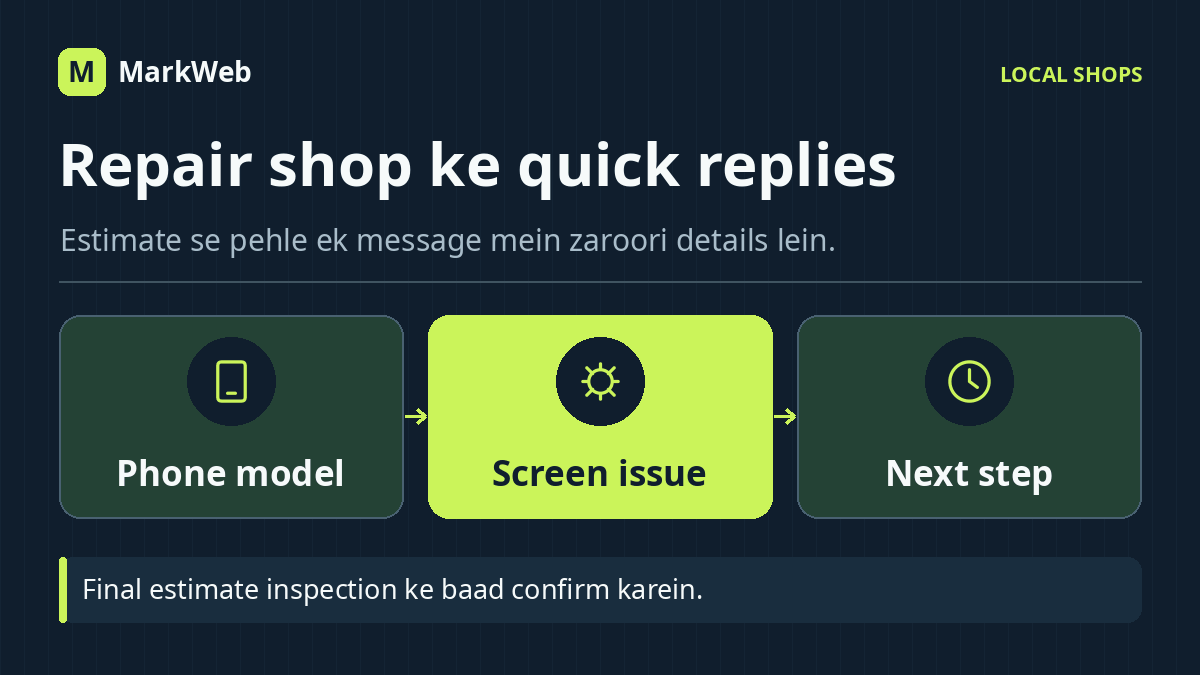
Customer “screen kitne ki hai?” likhe to pehla reply model aur issue clarify kare. WhatsApp quick replies staff ko roz ke common messages ek consistent format mein bhejne dete hain.
Chaar replies save karein
| Shortcut idea | Copyable message |
|---|---|
| /model | Brand aur exact model bata dijiye. Screen par line, crack ya touch issue hai? |
| /estimate | Final estimate device check ke baad confirm hoga. Koi repair start karne se pehle hum approval lenge. |
| /visit | Shop location [link]. Drop-off timing [time]. Aane se pehle slot confirm kar dijiye. |
| /ready | Repair reference [ID] pickup ke liye ready hai. Aap [time] ke beech aa sakte hain. |
Kaise karein
- WhatsApp Business app ke business tools mein Quick Replies kholein. Ek message aur identifiable shortcut save karein.
- Customer ka message padhkar relevant reply select karein. Brackets replace karein aur send se pehle quote aur timing check karein.
- Device inspection pending ho to clearly likhein ki estimate kis detail par depend karta hai.
- Ek week baad staff se poochhein ki kaunsa repeat sawaal ab bhi manually likhna padta hai. Uske liye naya reply banayein.
Ek reply ka test
Doosre phone se “battery change karwani hai” bhejein. Staff ka reply model, issue aur next step clear karta hai? Agar haan, customer ko turant direction mil gayi.
Agla step mein pending replies aur handovers ka tracker use karein.
Reference: WhatsApp Business ke quick replies aur messaging features.
Leave a Reply